
Crash Catch Analyze
Windows Crash dump analysis for indie developers and studios
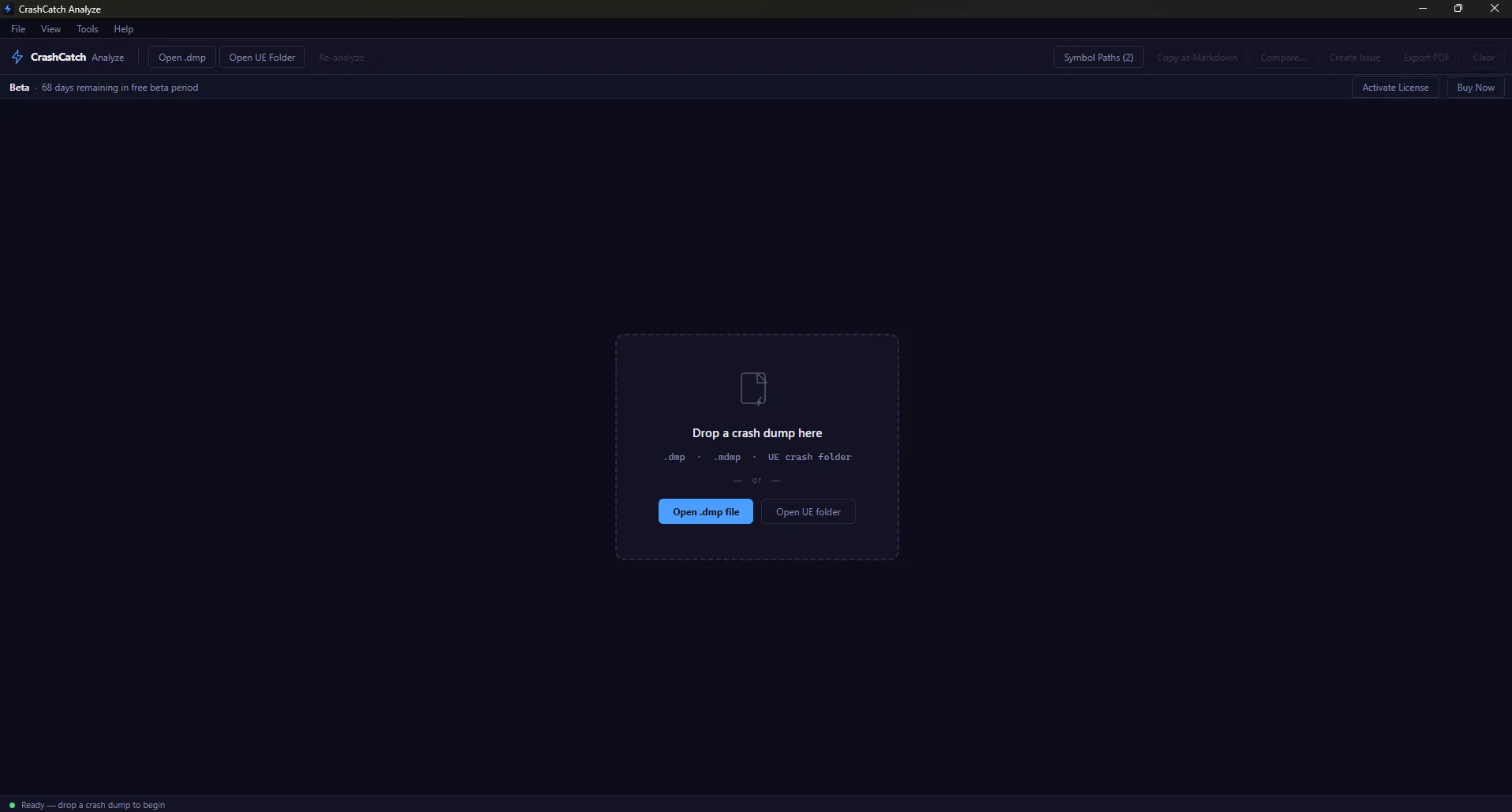
A few months ago, I was debugging a crash in a C++ game project. I had a .dmp file sitting right there and no practical way to read it WinDbg is a full-time job to configure, symbol servers were a mess, and I just wanted to know which line of code caused the crash.
So, I built two things:
**1. CrashCatch SDK** a free, open-source, header-only C++ library that automatically writes crash dumps when your app goes down. One line of code, no dependencies, Apache 2.0. It's on GitHub with ~72 stars: https://github.com/keithpotz/CrashCatch
**2. CrashCatch Analyze** a native Windows desktop app that reads those dumps. You drag a .dmp file onto it and get:
- A full symbolicated stack trace (using DbgHelp / DIA SDK under the hood)
- Exception type, faulting address, loaded modules
- An "Explain Mode" that sends the crash context to Claude and gets back a plain-English root cause + what to fix
- An "Engineer Mode" that generates reproduction steps and a hypothesis
- Unreal Engine support it detects UE projects and pulls in UE-specific crash context automatically
- PDF export for sharing with your team
The part I'm most interested in technically is what I call the Intel engine it pattern-matches against the crash data (exception code, faulting module, stack signatures) to produce a structured diagnosis before the AI even runs. So even without an API key you get useful output.
The app is built with Tauri 2 (Rust backend, TypeScript frontend). The C++ analysis core uses DbgHelp and the DIA SDK for symbolication.
It's beta and Windows-only right now. The SDK is free and open source. The desktop app is available at https://crashcatchlabs.com happy to answer questions about the crash analysis internals or the Tauri + native DLL architecture.
Comments
Related Products

SIERRA
In Silence, Patterns Emerge

mails.dev
SMTP + IMAP API built for AI agents to send, receive & parse emails at scale.
AgentWork.Tools
Discover Best AI Agent Tools & SaaS

Multical
End double booking by effortlessly syncing all your Google, Outlook, and Apple calendars

🐯 GROAR
Turn your growth into stunning visuals

HappyCapy
Your browser becomes a 24/7 AI-powered computer that never sleeps.
